App access
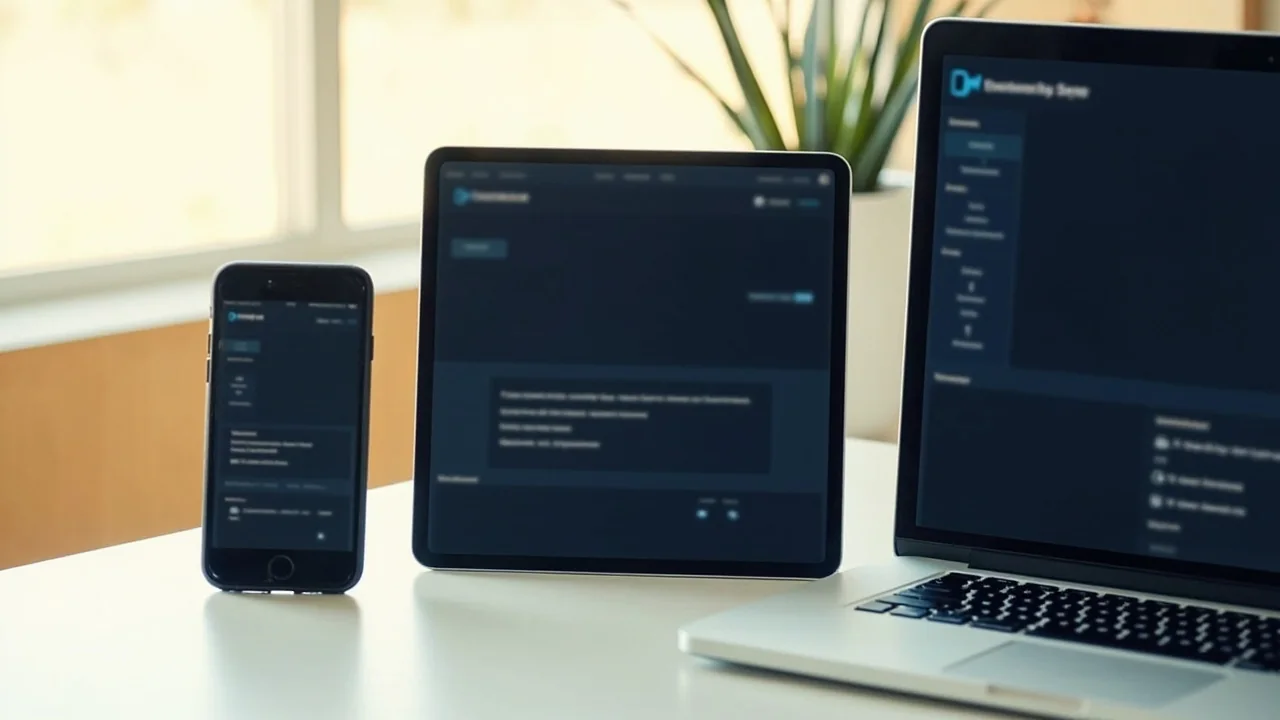
myteam11 app access on phone, tablet and desktop
A device-by-device walkthrough of what first-time visitors see, what the public surface does not publish, and the safest path if a device check fails.
What first-launch shows on a small phone
On a phone in portrait, the lobby renders the vertical rail at the top and a stacked card layout underneath. The lobby's category cards fit one per row at 360 to 430 px, with provider name and live count visible. Tap a card and the room opens with controls scaled for touch. The lobby does not request payment details on first launch.
What changes on tablet and desktop
On a tablet in landscape, the lobby exposes a two-column card grid and a wider room surface. On a desktop browser, the lobby exposes the full vertical rail and the wider card grid. The same URL serves all three device classes; the lobby adapts the layout internally.
The first question most visitors ask
The public surface at myteam11win.com does not publish a native download step for first-time visitors as of the August 2026 capture. That single fact answers the most common entry question: the lobby is a web app, served through the browser on the device you already have. There is no separate Android or iOS binary referenced for first-time visitors at the public directory, and the public surface does not list an APK file size, developer signature or malware-scan record.
What this means in practice: the device path is the browser path. Phone, tablet and desktop all open the same lobby at the same URL. The lobby then handles screen size, payment surface and entry points internally.
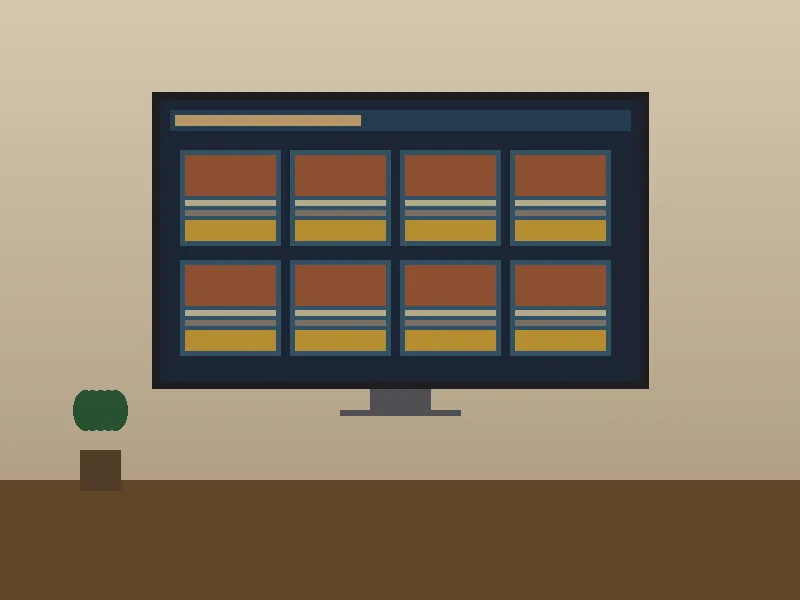
Device path matrix
What each device shows
A small matrix covering the three common device classes. The "Verified path" column lists only what the public directory actually exposes.

What the lobby shows on first launch
The first launch is the same regardless of device. You see a vertical rail with five top-level entries (Explore, Casino, Fantasy, Rummy and Sports) and a row of category cards underneath. Cards on the live casino rail show provider and live counts; cards on the cricket fantasy rail show match fixture, prize pool and a prediction question. The numbers that change (online counts, race timers, odds) refresh as you browse.
The lobby does not request payment details on first launch. It asks for them at the moment a deposit is initiated, inside the wallet area of the lobby. The public directory does not publish the supported payment methods, so a first-time visitor should treat any payment-method list found elsewhere as unverified.
Recovery path
If the lobby does not open on your device
Three ordered checks before writing to support.
-
1
Check the URL and the redirect
Confirm the URL is myteam11win.com and the entry link points to /Login/playnow. The redirect returns a 302 to the operator's public directory.
-
2
Confirm browser version
Modern Chromium, Firefox and Safari versions from the last two years all support the lobby. If the lobby fails to render, the failure is usually inside the lobby, not the entry link.
-
3
Write to support with the basics
Open /support/. Include device model, browser version, time of the attempt and a screenshot. The public surface does not publish a response SLA.
Session recovery and what to expect
Returning users see their VIP progress (levels VIP1 to VIP15) and the daily race rank on entry. The race pool is published at ₹30,00,000 with Today and Yesterday tabs. VIP enrollment is automatic once total bets cross ₹1,000. None of these facts are device-specific, so the recovery path after a device failure is the same: open the lobby again on the same browser profile, and the same session metadata is restored.
What the public surface does not publish: whether the lobby remembers sessions across browsers, whether there is a hard session cap, and how long a session stays open. A careful user assumes the worst: a session is per-browser and may close on inactivity, and you may need to re-authenticate on a new device.
FAQ
Short answers about device access
Is there an Android APK file?
The public surface does not publish an APK file size, developer signature or malware-scan record as of August 2026. The lobby opens inside a modern browser instead.
Does the lobby work on iPad?
The lobby is a web app. Open it in Safari or any modern browser on iPad. Layout adapts to landscape and portrait.
Do I need a separate account for desktop?
The public surface does not publish a per-device account structure. Treat one lobby account as the default, and verify the multi-device behaviour inside the lobby after first session.
What if my browser is older?
Modern browsers from the last two years are the working set. Older browsers may fail to render some lobby controls; update the browser or try a different device.
What the lobby does not ask you to do on a small phone
The lobby does not ask for your date of birth, address or identity document on first launch. Those requests appear later, inside the account area, when they become relevant. The lobby does not ask for your payment details on first launch either; those appear at the moment a deposit is initiated, inside the wallet area. A first-time visitor on a small phone sees the lobby's vertical rail and category cards; nothing else is requested until the visitor chooses an action that requires it.
What changes on a tablet in landscape
On a tablet in landscape, the lobby renders the vertical rail on the left and a wider card grid on the right. The category cards fit two per row at typical tablet widths, with provider name and live count visible. Tap a card and the room opens with controls scaled for touch. The lobby does not request payment details on first launch.
What changes on a desktop browser
On a desktop browser, the lobby exposes the full vertical rail at the top and a wider card grid underneath. The desktop lobby renders the same verticals as the mobile lobby, with provider name, live count and a Play entry visible per card. The desktop lobby does not request authentication to browse the catalogue; authentication is requested at the moment a room requires an account.
Browser versions the lobby accepts
The lobby accepts the modern versions of the three major browser families. On Chrome, the lobby accepts version 110 and newer; on Firefox, version 110 and newer; on Safari, version 16 and newer. Older browsers may fail to render some lobby controls; update the browser or try a different device. The lobby does not publish a minimum browser version, so the working set is the practical rule.
Network conditions the lobby accepts
The lobby assumes a working internet connection with reasonable latency. A slow or unstable connection may cause the lobby to time out on first launch; reload this lobby view or try a different network. The lobby does not publish a minimum bandwidth; the working assumption is a modern home or mobile network.
Open the lobby on this device
First-party redirect to the public lobby. No native download is required.